Get 2 Years for only $140
 Chat Support Availabe 24/7
 Message us:


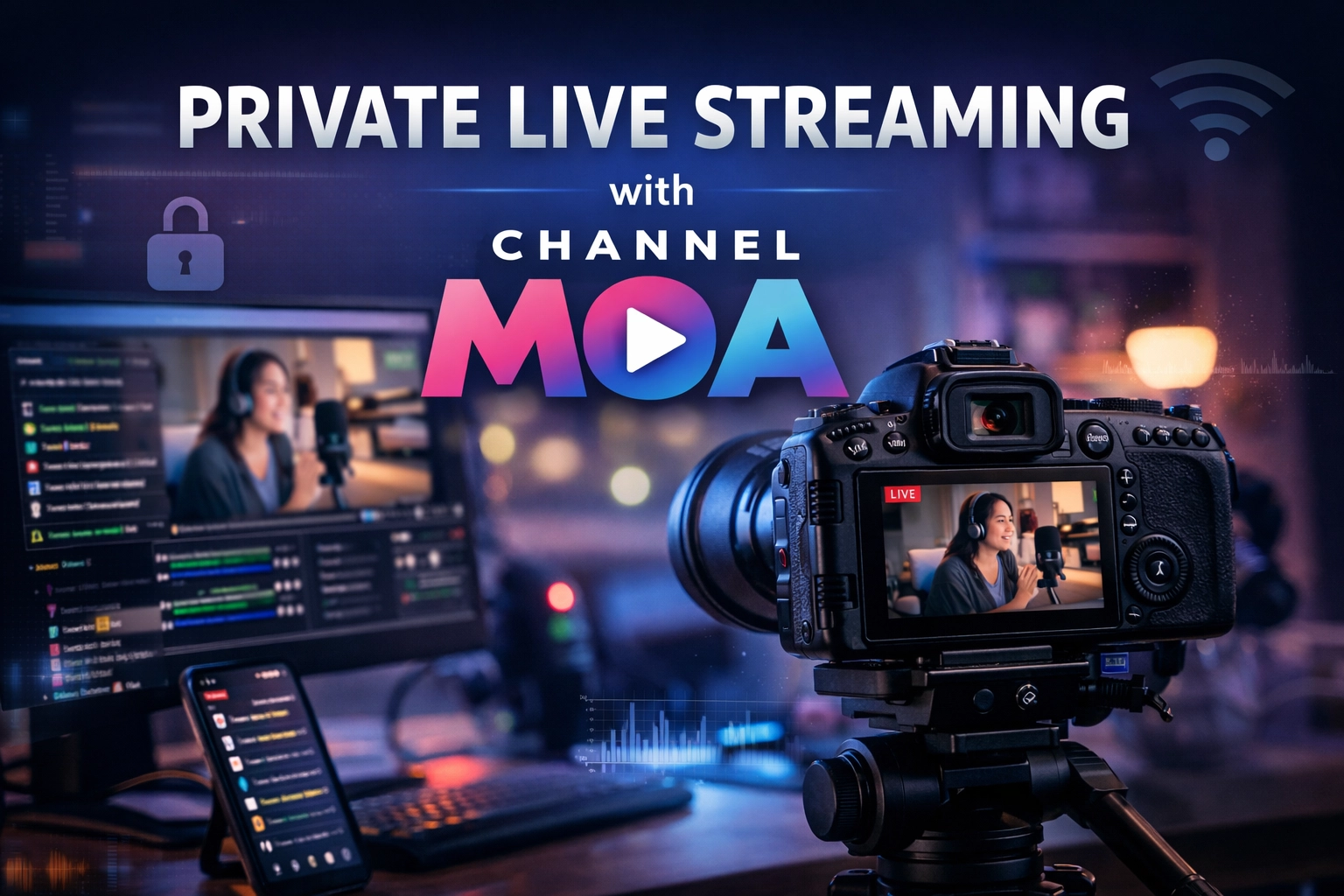
Private live streaming with ChannelMoa is designed for users who want more control over who watches their content, how the stream is delivered, and how access can be managed. Instead of using a public streaming setup, ChannelMoa can help create a more controlled broadcast flow using your own panel access, streaming resources, and the Moa TV ecosystem.
With ChannelMoa, private live streaming can be set up as a controlled viewing experience — not just a public broadcast.
This opens up new possibilities for content creators, private broadcasters, group hosts, premium communities, and anyone who wants to stream to a selected audience rather than to the open public. It can also create room for monetization when combined with subscription-based access or room-specific entry.
What is Private Live Streaming with ChannelMoa?
Private live streaming through ChannelMoa means your stream can be managed in a more structured way using platform tools rather than being fully open. Instead of sending your content everywhere at once, you can use a dedicated setup that gives you control over your stream source, audience access, and delivery flow.
This type of setup is especially useful for exclusive communities, member-only broadcasts, premium viewing rooms, event-based access, or content that should only be watched by approved users.
Step 1 — Get a Panel from ChannelMoa
The first requirement is getting a panel from us. This panel acts as the starting point for managing the private stream setup. It gives you the ability to organize your broadcast environment and prepare the stream for private distribution through the ChannelMoa ecosystem.
What the panel helps you do
- Prepare a private stream environment
- Connect your live source into the system
- Control who can access the stream
- Build a more organized broadcasting workflow
Step 2 — Broadcast Setup Using OBS, Your Phone Camera, and the Moa TV App
Once your panel is ready, the stream can be configured using OBS as part of the infrastructure along with your camera phone and the Moa TV app on the device. This makes the setup practical for people who want a mobile-based broadcasting flow without requiring a complicated studio environment from day one.
Your phone can act as the content source, while the platform setup helps route and manage the stream in a more controlled and private manner. This is a strong option for users who want flexibility while still keeping the stream inside a managed system.
Step 3 — Select Your Viewers
One of the most important parts of private live streaming is audience control. With ChannelMoa, the idea is not just to stream — it is to decide who gets to watch. Depending on your setup, you can create access logic that fits your purpose, whether that means limited members, invited users, premium rooms, or controlled community access.
This makes the feature attractive for private sessions, premium communities, internal events, exclusive content rooms, or niche audiences that should not be mixed into an open public stream.
Possible viewer models
| Model | Use Case |
|---|---|
| Selected Viewers | Only approved users can enter |
| Community Access | Limited to your audience group or members |
| Private Room Access | Users join a specific room or stream space |
| Subscription Access | Viewers pay for recurring stream access |
Step 4 — Monetize the Stream
Private live streaming becomes even more powerful when monetization is added. ChannelMoa can support setups where access is granted based on a subscription model or on a room access basis. This means users may pay for recurring entry or for access to a specific stream room, depending on how the broadcast is structured.
That creates opportunities for creators and stream operators who want to turn their private content into a business model instead of just a one-time broadcast. Exclusive access, recurring memberships, and premium entry are all directions that can fit naturally into a private streaming strategy.
Why This Matters
Most mainstream live platforms are built for exposure first. ChannelMoa’s private live streaming concept is different because it focuses on control, selectivity, and monetizable audience access. That makes it suitable for users who care about exclusivity, privacy, audience management, and potentially revenue generation.
It also fits well into the broader ChannelMoa ecosystem, where streaming is not treated only as passive entertainment, but as a platform layer that can support communities, sellers, content distribution, and premium access models.
Interested in private live streaming?
If you want to explore a private live streaming setup with ChannelMoa, contact support to discuss your panel, broadcast structure, and audience access model.
Open Support ChatFinal Thoughts
Private live streaming with ChannelMoa is more than just turning on a camera. It is a structured way to broadcast using your panel, OVH-backed infrastructure, your phone camera, and the Moa TV app — while giving you the ability to control viewers and potentially monetize access. For users who want privacy, exclusivity, and platform-driven flexibility, it offers a much more strategic model than public streaming alone.