Get 2 Years for only $140
 Chat Support Availabe 24/7
 Message us:


The FIFA World Cup 2026 is shaping up to be the biggest sporting event in history. For the first time ever, it spans three countries — the United States, Canada, and Mexico — with 48 teams competing across 104 matches.
If you plan to catch every goal live without being locked to a cable subscription, IPTV is one of the most flexible options available today.
This guide walks you through everything you need to know: what IPTV is, how to use it for live sports, the best services worth considering, what equipment you need, and how to make sure your stream does not cut out at the worst possible moment.

What Is IPTV and Why Does It Work Well for Live Sports?
IPTV stands for Internet Protocol Television. Instead of receiving TV signals through a satellite dish or cable line, you get live channels delivered over your internet connection.
Think of it as live TV that runs through the same pipe as your Netflix or YouTube — except it includes sports channels, news, and regional broadcasters from all over the world.
For World Cup viewing, this matters because broadcast rights are divided across different regions. Viewers may look for access to channels such as Fox Sports, Telemundo, BBC, ITV, beIN Sports, or other regional sports broadcasters depending on where they live and what services are legally available to them.
Why IPTV Is Useful for World Cup Viewing
- Access live sports channels through internet-based apps
- Watch on Smart TV, Firestick, Android TV, phone, tablet, or PC
- Use one app instead of switching between multiple cable boxes
- Follow different broadcasters and regional sports coverage
- Stream at home or while travelling, depending on your provider
Legal vs. Unlicensed IPTV — Know the Difference Before You Subscribe
This is the most important thing to understand before spending any money. IPTV itself is completely legal. The technology simply means television delivered through the internet.
The issue is whether the service has proper rights to distribute the channels it offers. Some IPTV services are licensed and operate through official agreements. Others may redistribute paid channels without permission, which can put users in a grey or illegal area depending on the country.
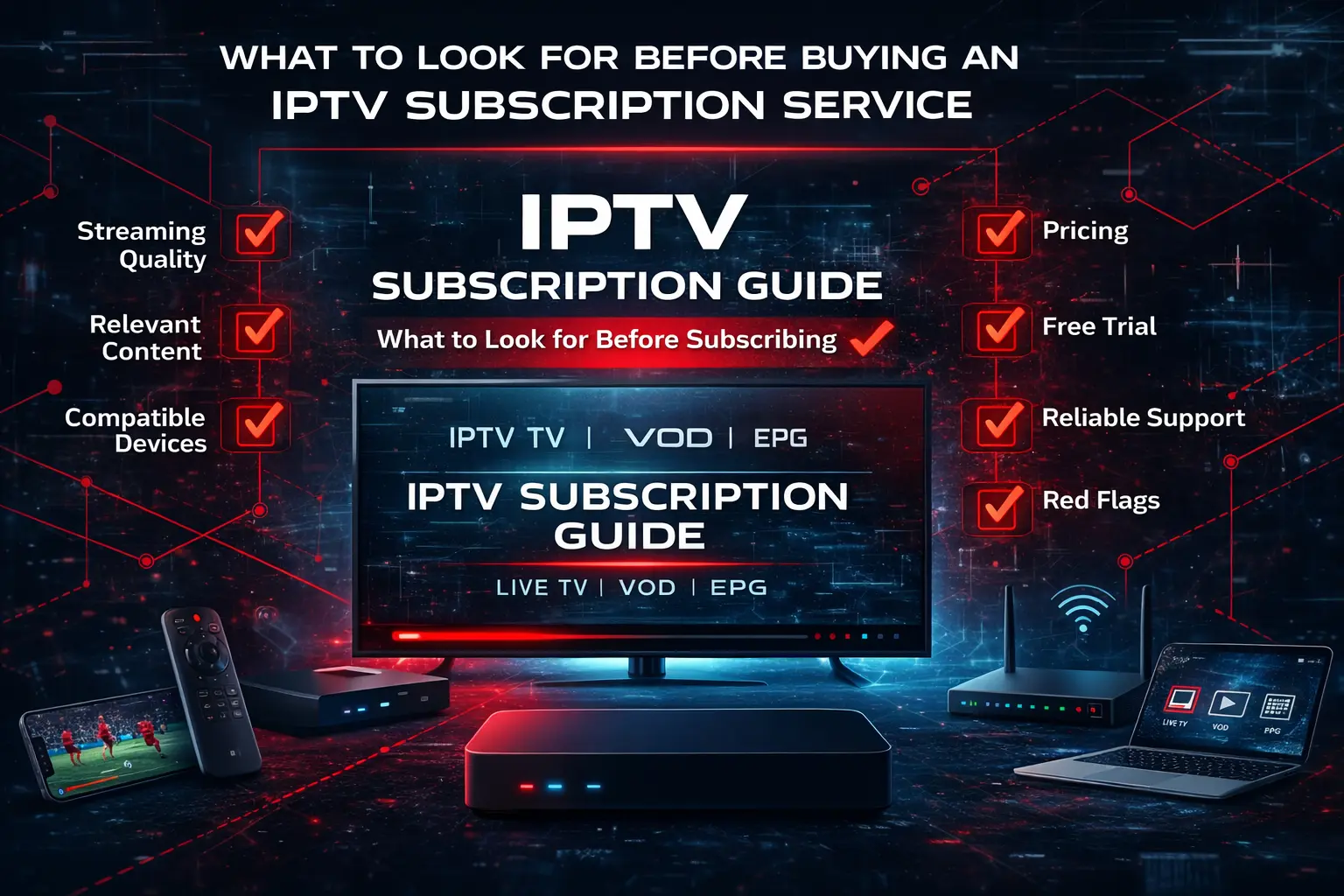
Before choosing an IPTV provider for the FIFA World Cup 2026, check whether the service is transparent, reliable, and suitable for your region. When possible, use licensed services or official broadcasters available in your country.
Quick Safety Checklist
- Avoid providers that make unrealistic claims
- Check customer support availability before paying
- Test the service before match day
- Do not rely on unknown free streams for major live matches
- Use secure payment methods where possible
What Equipment Do You Need?
IPTV is flexible by nature. You can run it on almost any modern device as long as the app is supported and your internet connection is stable.
Popular Devices for IPTV
- Smart TV: Most modern Smart TVs support IPTV apps directly from their app store.
- Amazon Fire TV Stick / Fire Cube: A popular choice because it is affordable and easy to use.
- NVIDIA Shield or Android TV Box: Strong performance for high-quality live streams.
- Apple TV: Works well with official streaming apps and selected IPTV platforms.
- Laptop or PC: Useful through browser-based streaming or IPTV players.
- Smartphone or Tablet: Good for watching on the go.
For the best experience on a big screen during World Cup matches, a dedicated streaming device connected through Ethernet is usually more stable than Wi-Fi.
Want a Dedicated TV Setup?
The TZ Box gives ChannelMoa users a dedicated Android-based media player option for a cleaner living-room streaming setup.
View TZ BoxInternet Speed Requirements for Smooth IPTV Streaming
A slow or unstable connection is the number one reason IPTV streams buffer or freeze during live sports. This becomes even more important during high-demand events like World Cup matches.
Recommended Internet Speeds
- SD / 480p: minimum 5 Mbps
- HD / 720p or 1080p: 10–20 Mbps recommended
- 4K / UHD: 25 Mbps or more
- Multiple devices: add extra bandwidth for each active stream
If other people in your household are streaming, gaming, downloading, or using video calls during the match, your connection needs more headroom. Always run a speed test before a big game and, where possible, connect your streaming device directly to the router with an Ethernet cable.
How to Set Up IPTV for the World Cup — Step by Step
The setup process depends on the device and provider, but the basic steps are usually simple.
World Cup IPTV Setup Steps
- Choose your IPTV service or official streaming provider.
- Install the app on your Smart TV, Firestick, Android TV, phone, tablet, or PC.
- Log in with your account details or enter your M3U playlist / Xtream Codes information if your provider gives you those.
- Find your sports channels and World Cup broadcasters.
- Test the stream before match day.
- Keep a backup viewing option ready for important matches.
If you are using a third-party IPTV player like TiviMate or IPTV Smarters, you will usually need an M3U URL or Xtream Codes login details from your provider. These apps often provide better channel organization, EPG support, and smoother navigation than basic built-in players.
Tips to Avoid Buffering and Freezing During Live Matches
Nothing is more frustrating than a frozen screen at the moment of a goal. A little preparation before kickoff can prevent most problems.
Match-Day Streaming Checklist
- Use wired Ethernet instead of Wi-Fi whenever possible
- Restart your router and streaming device before a big match
- Close background apps on your streaming device
- Clear IPTV app cache if the app feels slow
- Choose a nearby server if your provider offers server options
- Test the exact sports channel before kickoff
- Keep a backup stream or device ready
For important matches, do not wait until kickoff to test your setup. Open the app earlier, check the channel, confirm audio and video quality, and make sure your login still works.
Using a VPN with IPTV for the World Cup
A VPN, or Virtual Private Network, masks your location and routes your internet traffic through another server. Some viewers use VPNs to access services while travelling or to protect their connection while streaming.
However, using a VPN to bypass geographic restrictions may violate a streaming service’s terms of use. It can also add latency if the VPN server is slow or far away. If you use a VPN, choose a fast server close to your real location or close to the service region you are trying to access.
VPN Tips for IPTV
- Use a fast, reputable VPN provider
- Select the nearest suitable server
- Test before match day
- Turn off VPN if it makes buffering worse
- Understand the terms of the streaming service you use
Best IPTV Setup for FIFA World Cup 2026
The best setup is simple: a reliable provider, a stable device, a wired internet connection, and a tested sports channel list before the match begins.
Recommended Setup
- Streaming device connected to TV
- Ethernet connection instead of Wi-Fi
- HD or 4K-capable IPTV app
- Sports channels saved to favorites
- Backup app or device ready
- Support contact available if something goes wrong
ChannelMoa is designed for users who want a more complete streaming experience with live TV, sports, movies, shows, and app-based viewing across popular devices.
Prepare Your Streaming Setup Before the World Cup
Explore ChannelMoa plans, set up your device, and test your live sports channels before the tournament starts.
View PlansFinal Thoughts
Watching the FIFA World Cup 2026 on IPTV can be one of the most flexible ways to follow every match without relying on a traditional cable setup. The key is choosing the right service for your country, making sure your internet connection can handle live sports, and testing everything well before the tournament begins.
Whether you use a licensed streaming platform, a regional broadcaster app, or an IPTV provider, the setup process is straightforward once you know what to check. Get the basics right, and you can enjoy the World Cup from your living room, phone, tablet, or travel setup with far less stress.